A useful workflow management system should make everyday work easier to see, assign, and improve. The capabilities below are the ones worth checking if you want to learn whether a platform can support real operational work rather than just store a list of tasks.

A long feature list is not automatically a good sign. What matters is whether the platform handles the problems your team runs into every week: unclear ownership, missed handoffs, slow approvals, or poor visibility. Start with those pain points and judge the software against them.
What are these Workflow Management Capabilities?
1. Automated workflow processes
Automation earns its keep on work that repeats in the same way. Recurring tasks, reminders, approval steps, and predictable status changes are good candidates because people should not have to rebuild the same process every time.
That does not mean every step should be automated. Keep human judgment where it matters and automate the routine handoffs around it. The best automations are usually the ones people stop noticing because they simply remove small bits of admin work.
2. Task tracking
Good task tracking should answer the basics without a meeting: who owns this, when is it due, and what is blocking it? If a manager still has to message three people for that information, the system is not doing enough.
3. Task prioritization
Priorities change, and the software should make those changes visible. Due dates, dependencies, labels, and workload views help teams see which work genuinely needs attention instead of defaulting to whichever request was mentioned most recently.
4. Error tracking and reporting
When something goes wrong, the issue should not disappear into a chat thread. Error tracking gives the team a place to record what failed, where it happened, and who is responsible for the follow-up. Over time, that history can reveal problems that keep repeating.
5. Visibility into process performance
Process problems are easier to fix when they are visible. A timeline or dashboard can show work piling up in one stage, tasks waiting on the same dependency, or deadlines slipping in the same part of the workflow. That is more useful than discovering the pattern at the end of the month.
6. Robust security
Security becomes especially important when the workflow includes customer data, financial information, employee records, or confidential project details. Access controls and authentication should match the sensitivity of the work, not just the convenience of the tool.
7. User access control
User access controls let teams decide who can view, edit, approve, or administer particular work. That is especially important when contractors, clients, or separate departments share the same system.
8. Mobile Access
People do not always work from a desk. A useful mobile experience lets someone check an assignment, approve a request, add context, or update a status without fighting a cut-down version of the product.
9. Activity logging
An activity log is basically the workflow’s memory. When a question comes up later, the team can see who changed a status, when a file was updated, or where a handoff happened instead of relying on everyone’s recollection.
10. Version control
Version control matters the moment more than one person touches the same file or document. The current version should be obvious, older versions should be recoverable, and important changes should not require detective work to understand.
11. Audit trails
An audit trail gives the workflow a reliable record. It can show approvals, edits, status changes, and other key actions when accountability or compliance matters.
12. Real-time analytics
Real-time analytics are most useful when they help someone make a decision now. Backlog size, overdue work, blocked tasks, cycle time, and workload are often more actionable than a large dashboard full of numbers nobody checks.
13. Scalability
A workflow that works for five people can become chaotic at fifty. As the team grows, pay attention to permissions, reporting, organization, and performance. Scaling should not require rebuilding the process from scratch every few months.
14. Automated notifications
Notifications need restraint. Alerts should call attention to something that requires action—an overdue task, an approval, a blocked item, or a direct mention. If every minor change triggers a notification, people eventually stop trusting the alerts altogether.
15. Integration with other systems
Integrations are valuable when they remove duplicate work. If the team already depends on email, calendars, cloud storage, CRM, accounting, or chat tools, connecting them to the workflow can reduce manual copying and keep information closer to where it originates.
16. Automated backups
Automated backups give teams a recovery path when data is deleted, corrupted, or a system fails. The important part is not just creating backups, but knowing how far back they go and how restoration works.
17. Customizable reports
Different teams need different views of the same workflow. Custom reports let managers focus on the metrics that matter to them instead of forcing everyone to work from a single generic dashboard.
18. Automated testing
Automated testing can catch predictable failures before a workflow reaches users or customers. It is most useful for repeatable checks where a machine can flag a broken rule faster and more consistently than a manual review.
19. Asset management
Asset management keeps important files, equipment, or digital resources connected to the work that uses them. That makes ownership and availability easier to check when several projects depend on the same resource.
20. Task-specific templates
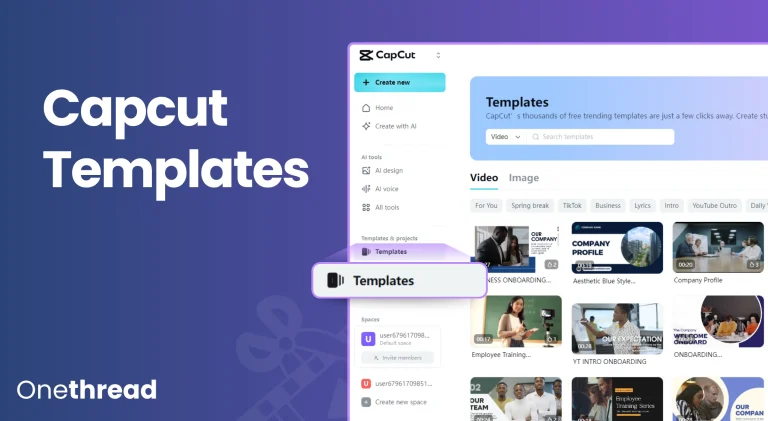
Templates save time on work that follows a familiar pattern. An onboarding process, campaign, review cycle, or approval flow can start with the usual tasks and fields already in place, while still leaving room to adjust the details for each new project.
What Software Have These?
OneThread
OneThread combines project management with workflow features such as planning views, reporting, scheduling, and templates. It is aimed at teams that want a structured place to manage work without a long implementation process.
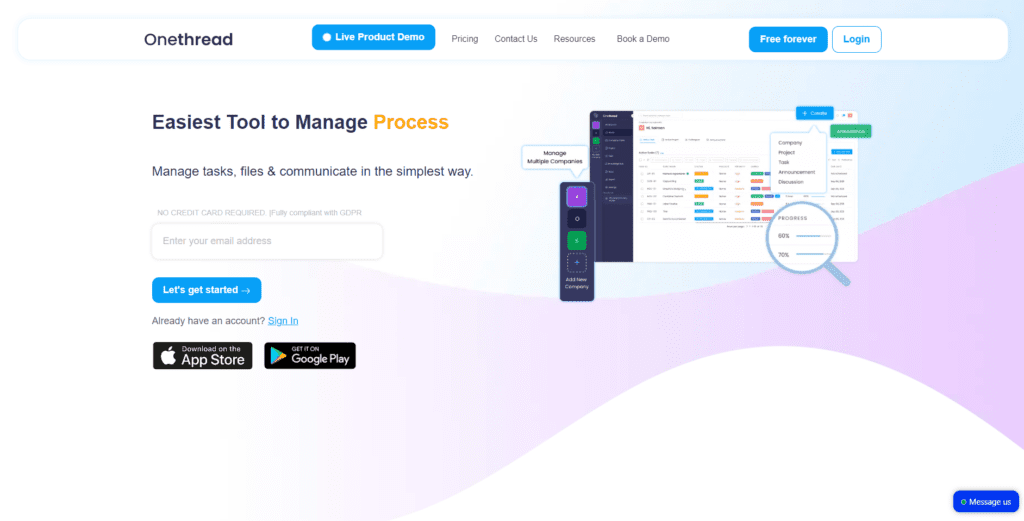
Its feature set includes dashboards, Gantt charts, scheduling, timesheets, project baselines, real-time reporting, templates, and invoicing.
OneThread is free for teams of up to five users and charges $1.5 per month for teams of 5 to 60 members. OneThread can provide teams with more than 60 members with custom packages. Therefore, this is a scalable solution that will meet your needs!
Trello
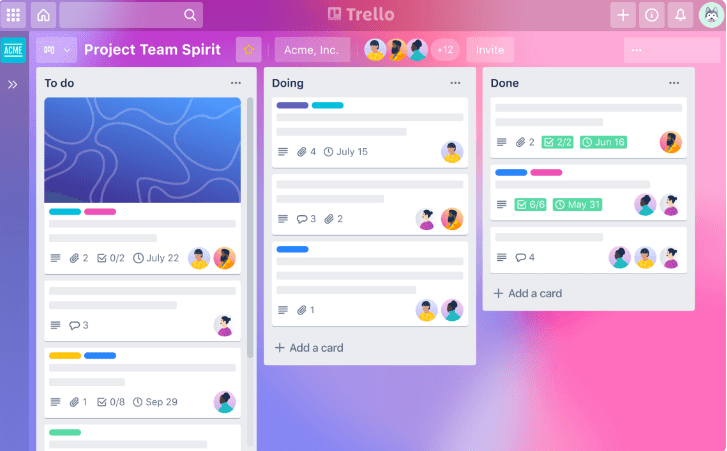
Trello is strongest for visual, board-based workflows. Cards make ownership and status easy to scan, while automations can handle common moves and reminders. Teams with complex dependencies or reporting needs may outgrow the simpler board model.
Monday
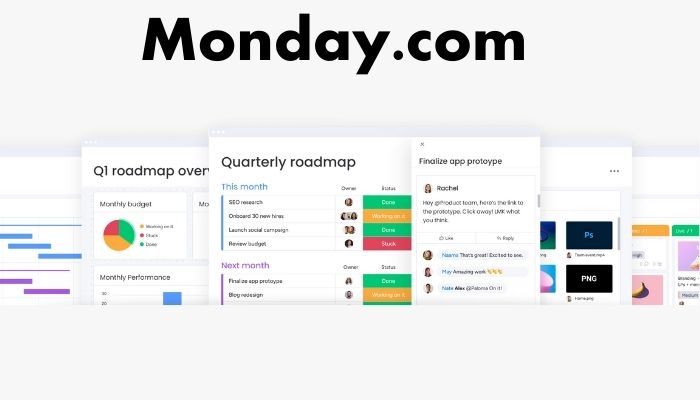
monday.com offers flexible boards, automations, dashboards, and templates that can be adapted to many business processes. That flexibility is useful, although larger setups need clear conventions so different teams do not build conflicting workflows.
Kissflow
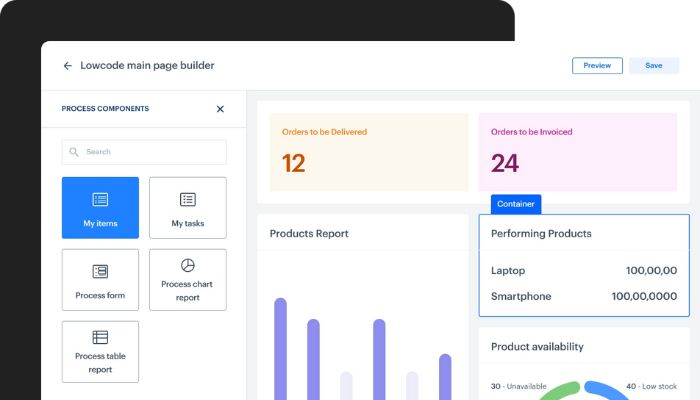
Kissflow focuses more directly on building and running business processes. It supports workflow automation, permissions, tracking, and reporting, making it relevant when teams need repeatable approval or operational flows rather than simple task lists.
Final Thoughts
Choose workflow software by working backward from the problems you actually have. Clear ownership, visible handoffs, sensible permissions, and useful reporting usually matter before advanced automation. A smaller set of features that people use every day is worth more than a huge toolkit the team ignores.